



- Do you know which applications your staff use already include AI?
- Does approving a donor management platform also mean approving its AI features?
- Who decides what donor and constituent information those features can access?
When nonprofit leaders think about workplace AI, the conversation often starts with ChatGPT. Are employees using it? What are they entering? Should the organization allow it?
But AI is moving into the applications your team already uses, including donor and constituent tools, CRM systems, meeting platforms, and everyday productivity software.
That creates a different leadership challenge. Your team may encounter AI while working inside an established application, without opening a separate chatbot.
The question becomes: have your rules for AI caught up with the tools your nonprofit already relies on?
AI Is Becoming a Feature of Everyday Work
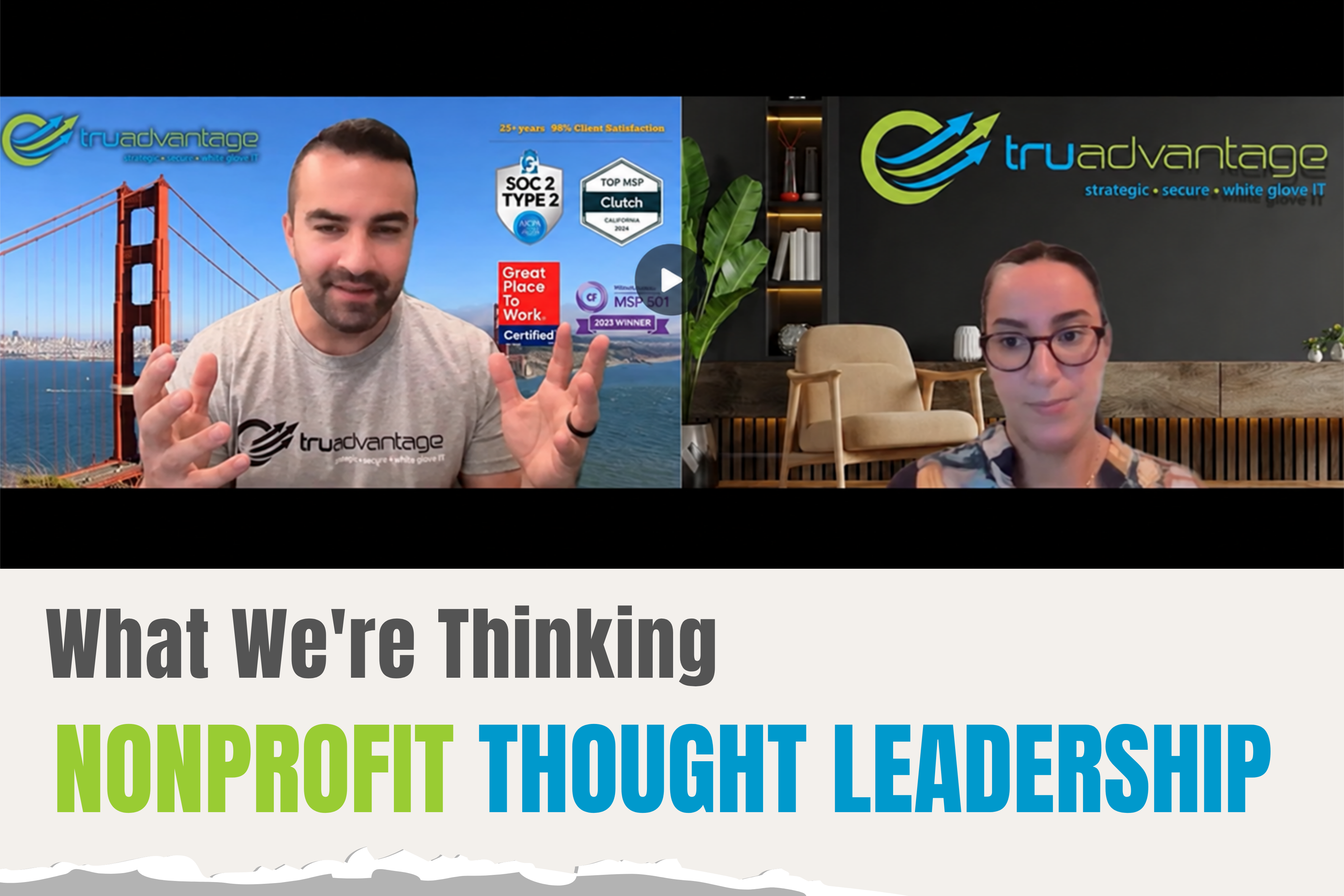
In TruAdvantage’s nonprofit webinar on AI in the workplace, Co-Founder and CEO Kayvan Yazdi describes the shift:
“AI isn't just a separate website employees visit anymore.”
As AI becomes embedded in existing applications, oversight needs to extend beyond a list of chatbot websites.
For nonprofit leaders, this means looking at the systems that support donor relationships, constituent services, communications, and reporting. Which include AI capabilities? How are employees using them? What information is involved?
A Familiar Platform Still Needs Clear AI Boundaries
An organization may already have expectations for how employees use its donor management system. AI introduces another decision: which uses are appropriate for the information involved?
The webinar makes an important distinction between brainstorming presentation titles and uploading a spreadsheet containing confidential donor information.
Both involve AI. They require different consideration.
As Kayvan explains:
“The technology may be the same. The data isn't.”
That principle applies when evaluating AI within existing applications, too. The useful starting point is to understand the task, the information the system can access, and the boundaries employees need to follow.
Approval of a platform should be accompanied by clear expectations for its AI use.
We are an Nonprofit-focused, Award-winning IT Solutions providers in San Francisco, San Jose and Northern California.Need Managed IT Services for your Nonprofit?
Start With the Data Question
A feature’s capabilities can be appealing. But before asking what AI can do for your nonprofit, ask what information it would receive or access.
The webinar offers three categories for that discussion:
- Public information: Generally lower in sensitivity.
- Internal information: Organizational information that needs clear handling guidelines.
- Confidential or regulated information: Donor, beneficiary, financial, health, employee, or other sensitive information requiring greater care.
These categories help make guidance practical. Employees need more than a general instruction to “be careful.” They need to understand which information is appropriate for an approved use and when to ask for help.
A useful conversation connects three things: the task, the tool, and the data.
Approving one does not automatically resolve questions about the others.
Who Owns These Decisions?
AI in donor and constituent applications touches several responsibilities at once.
Program and operations teams understand the work they want to improve. IT and security evaluate technology and protect information. Compliance, legal, or HR may help establish policies. Leadership determines direction and risk tolerance.
The webinar emphasizes that these groups need to work together, with someone accountable for moving the effort forward.
For nonprofit leaders, the practical test is straightforward: if an employee has a question about an AI feature in an existing application, do they know who can provide an answer?
If that responsibility is unclear, defining it is an important first step.
Three Actions to Take This Week
You do not need to settle every AI decision immediately. Start with the webinar’s three actions:
- Discover what is happening. Ask employees and department leaders which AI tools and built-in features they use, what they use them for, and what information they share.
- Define the boundaries. Establish approved tools and uses, along with clear rules for sensitive information.
- Assign ownership. Identify who will coordinate decisions, guidance, training, and ongoing review.
Use what you learn to connect policy with everyday work. Approved tools, data rules, appropriate access, training, and oversight need to support one another.
How TruAdvantage Helps
AI adoption can happen inside systems your nonprofit already knows and uses. That makes it important to revisit how those systems fit within your organization’s AI guidance.
The next useful conversation may be with the people managing your donor and constituent applications.
Ask what AI capabilities they encounter, what work those capabilities support, and where they need clearer direction. Those answers give leadership a concrete place to begin.
At TruAdvantage Nonprofit IT Services, provides an AI-Ready Nonprofit Checklist covering visibility, data protection, approved tools, policies, training, and governance.
The session also offers attendees a complimentary 30-minute AI Readiness Review to discuss their current approach, potential gaps, and practical next steps.
Learn more about our:
Download our Exclusive Nonprofit Guide to get started.
And if you’d like tailored advice, schedule a Free IT and Security Health Check for your Nonprofit Organization. If you are asking these questions, you are already on the right path.
Click here to schedule a call with us
Categories: NonProfit Orgs